
Game Map
A Blueprint-first tactical map system for Unreal Engine multiplayer projects.
Build minimaps, overview maps, team markers, spawn selection, and replicated map interactions without starting your map UI from scratch.
What it does
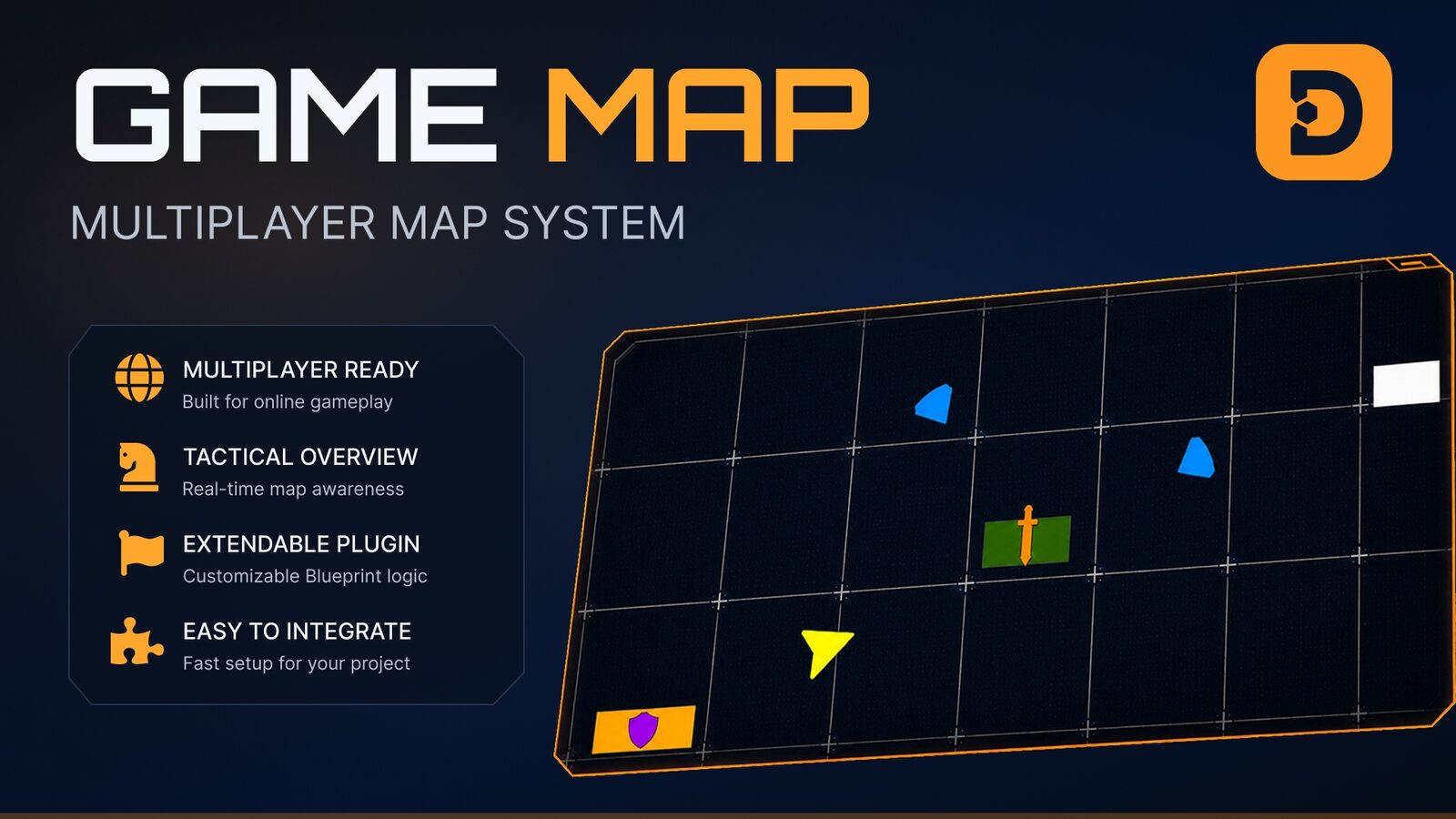
Game Map is a texture-based, Blueprint-only map system for Unreal Engine. It helps you build multiplayer-ready minimaps and tactical overview maps with replicated markers, team-aware information, spawn selection, and coordinate grids.
The package includes a playable multiplayer demo level so you can inspect the setup, test the features, and adapt the system to your own project.
- Multiplayer prototypes
- Tactical / strategy games
- Survival or extraction games
- Team-based shooters
- Open-world projects
- Gameplay map foundations
Test it in a few minutes
To validate Game Map quickly, load the scene zip included in the purchased package. It gives you immediate access to two ready-to-open maps so you can inspect the setup and test the flow before integrating it into your own project.
Load the scene zip
Start from the archive already included in the purchased package instead of wiring the system from scratch.
Open two maps
The scene gives you access to two maps right away, which makes first-pass testing and inspection much faster.
Validate the workflow
Use the ready-made setup to check minimap behavior, overview map flow, and integration expectations before adapting it.
Everything included
Texture-based map system with in-editor tools to capture orbital pictures of your levels.
Overview map and HUD minimap support for different gameplay needs.
Full network replication for multiplayer-oriented projects.
Team-aware information: each player only sees data filtered by their team.
Player-driven spawn selection directly from the map.
Enemy position indicators broadcast to teammates.
Team-only markers that players can place during the match.
World markers: markers placed on the map can also appear in the 3D world.
Configurable coordinate grid to divide the map into readable zones.
Playable multiplayer demo level with sample teams, icons, and setup examples.
- ·map widgets
- ·HUD minimap
- ·tactical overview map
- ·marker system
- ·spawn selection example
- ·multiplayer demo level
- ·documentation PDF
- ·example icons and visual assets
What it is not
Game Map is a gameplay map system, not a world-generation tool or a GIS-style editor.
It does not automatically generate your full world map. You provide or capture the map texture, then configure the plugin to display players, markers, zones, and tactical information on top of it.
In action
Questions
Does Game Map work in multiplayer?
Yes. Game Map includes replicated features and a playable multiplayer demo setup.
Is C++ required?
No. Game Map is built with Blueprints.
Can I use my own map image?
Yes. The system is texture-based. You can use your own map texture or capture an orbital view of your level, then configure the grid and map bounds.
Does it support minimaps?
Yes. Game Map can be used for HUD minimaps and larger tactical overview maps.
Is a demo project included?
Yes. The package includes a playable multiplayer demo level with sample teams and gameplay interactions.
Can I customize the UI?
Yes. The widgets and visual elements are designed to be adapted to your own project.
Which Unreal Engine versions are supported?
Game Map is compatible with UE 4.26 – 4.27, 5.0 – 5.8.
Start your map system this week.
Grab Game Map on Fab, follow the quick-start guide, and use the included multiplayer demo to adapt it to your own project faster.